LIS-3353 - Linux and Power
Remember from last time:
A question
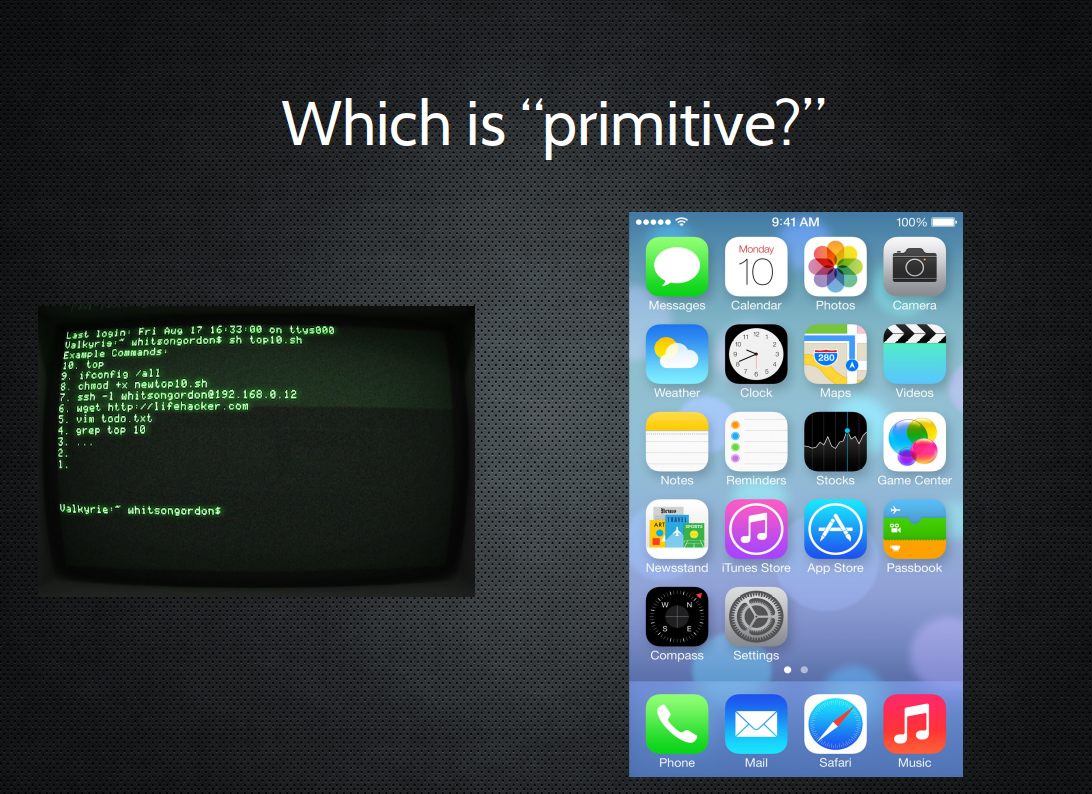
Quick rant
Yes, I do think a *lot* of this UI/UX stuff is an enormous waste of time.
Especially since we have collectively "rediscovered"
how good language can be,
in the form of Siri, Alexa, and now ChatGPT
Quick rant, more
(a waste of time and perhaps "ableist" as well.)
Know how to make your interface "ADA compliant" or otherwise definitely works everywhere?
ONLY USE TEXT.
HUGE CONCEPT #1
All computers do is “numbers”
- you put numbers into them
- it messes with the numbers
- it gives you some numbers back
(but, you can store anything in numbers)
HUGE CONCEPT #1
ANYTHING IN NUMBERS
yields
HUGE(R) CONCEPT #2
HUGE(R) CONCEPT #2
All computers do is follow a very
precise list of instructions that one or
more people wrote.
Understanding Power
- 10 PRINT “John is AWESOME”;
- 20 GOTO 10
What is "programming"
(all computer languages are for humans!)
Changing your screensaver
Writer/Word
Calc/Excel
HTML/CSS
Bash
PHP/MYSQL/Javascript
C compiled
Assembly (00 4E A3 77 8C 0A etc)
What is programming
a computer
as opposed to merely using it?
What is programming
a computer
as opposed to merely using it?
I submit:
essentially NOTHING.
Ah Microsoft
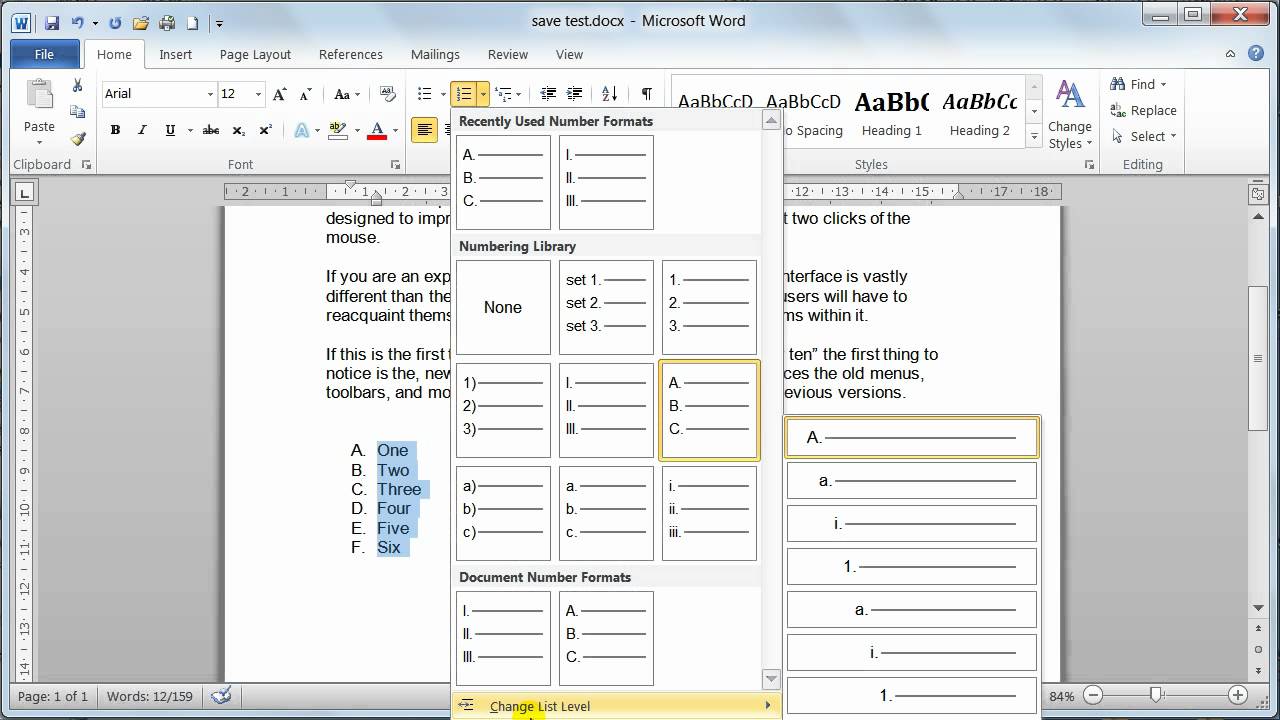
Word / (now google docs also)
is probably the worst program ever made
Excel / (now google sheets also )
is probably the best program ever made
Excel?
Yup. Probably the best "programming language" ever.
Enabled people to do so much
(also, you click on cell, you can see why it does thing)
Excel
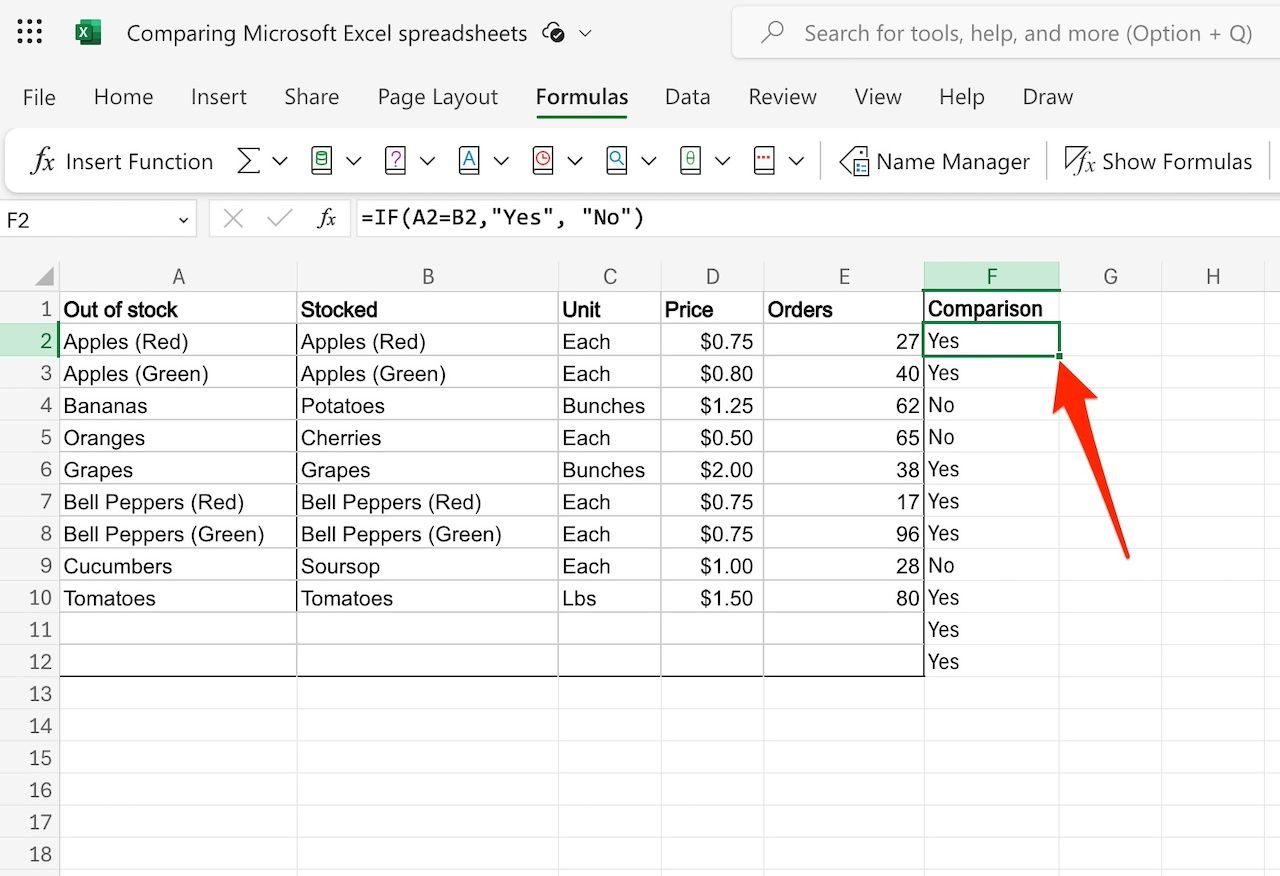
Excel? Fantastic! Word?
LOL good luck with this garbage
PS, if you hate yourself
And want to see exactly whats going on here
Download your "paper.docx" file
Rename it to "paper.zip"
and behold the mess.
In fact, kinda looks like ....
Another way? HTML maybe?
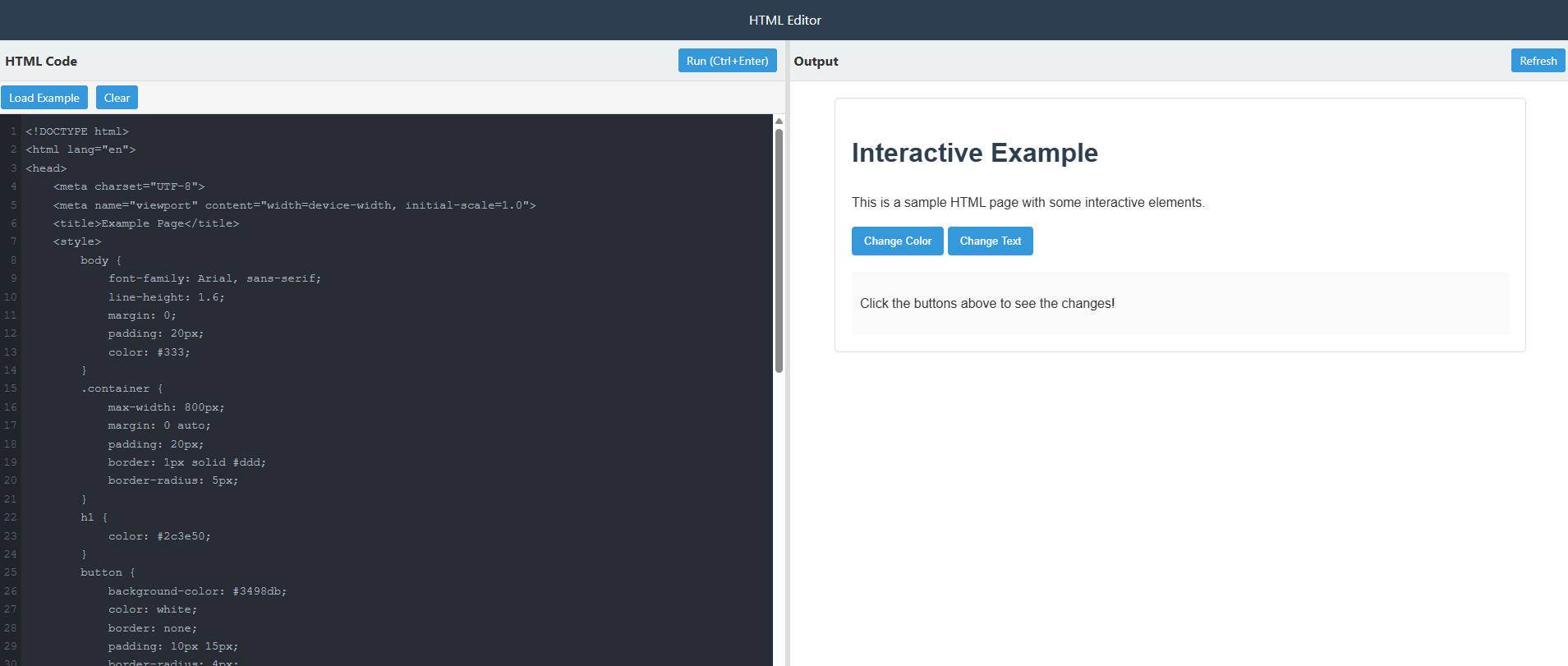
Still, kinda trash...what about simpler?
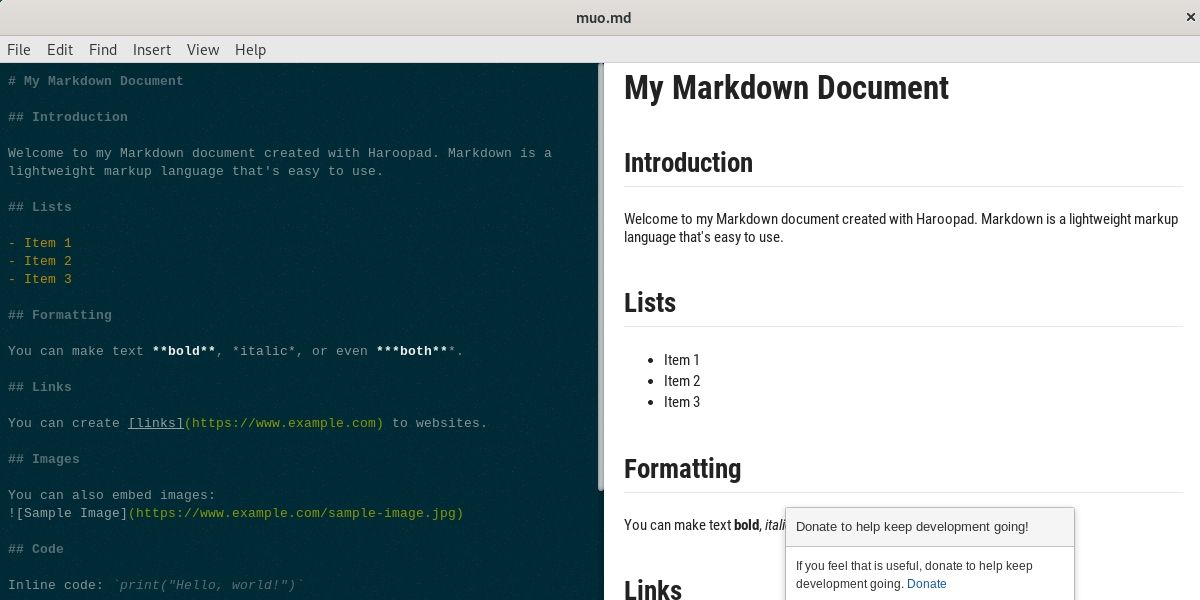
Another way- Markdown
Some dates
Microsoft Word - 1990
HTML - 1990
Markdown - 2004
Some dates
Microsoft Word - 1990
HTML - 1990
Markdown - 2004
LUGGAGE WHEELS DAMN
Note: this is also "why Linux"
1) Free and open
2) Language/Text Based
(These two are completely related; newer stuff tries to allow for more of 2 and/or 1; e.g. Mac OS X, Android)
Anyway, TEXT!!!
More on that techy flavor of "Text"
- The "lingua franca" of computers - you dig deep enough, this is where you get.
- formerly ASCII, now mostly "Unicode" (EMOJI!!)
- Most often "monospaced" (ugly, but with advantages)
- Where (sane) languages live
In fact
All files can be thought of as either "text" or "binary"
Can you kind of read it even though you are a human? That's "text," then.
NOTE
Mostly LOVING AI
Because it's proving that I'm right about all the above ☺
WHAT IS AN OPERATING SYSTEM EVEN
WHAT IS AN OPERATING SYSTEM EVEN
Lots of different LAYERS of software at
different levels.
OKAY, what is LINUX exactly. An
Lots of different LAYERS of software at
different levels.
(Apple/Windows just squishes them all together)
The best (and worst) part of Linux:
Choices choices choices
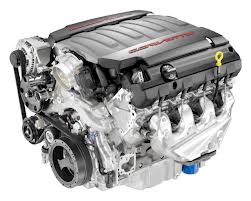
A rough car analogy
Linux is a Kernel
A rough car analogy
GNU is..uh this other stuff i'm not a car guy

A rough car analogy
Distros are like Models/Makes

A rough car analogy
Window Managers or Desktop Environments are like the dash
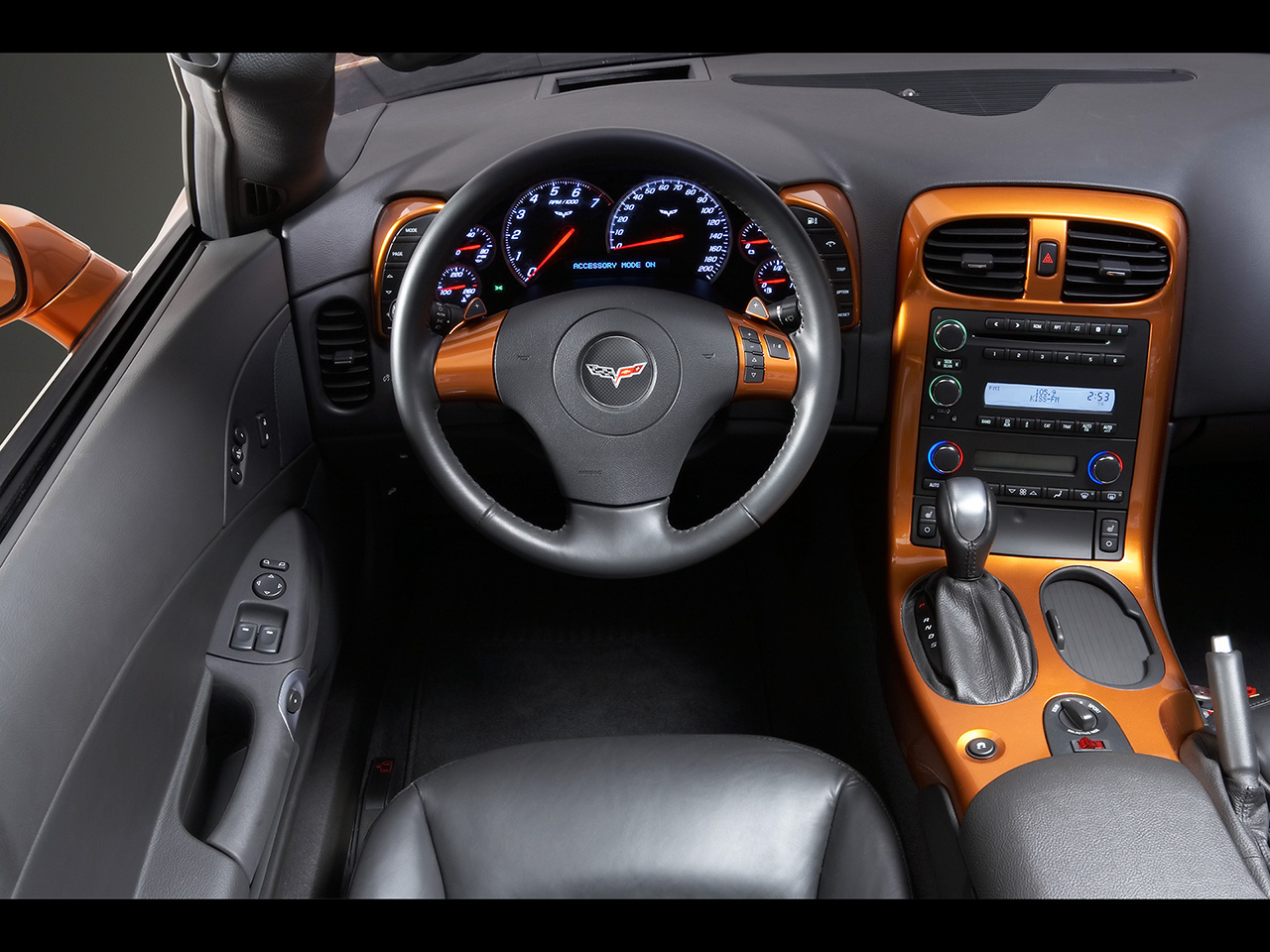
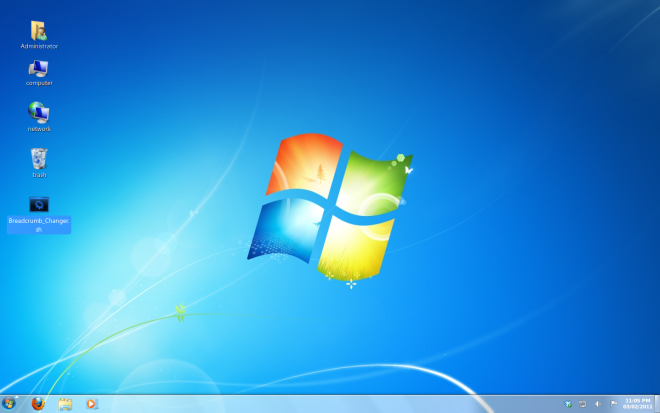
For Comparison - Windows 7?
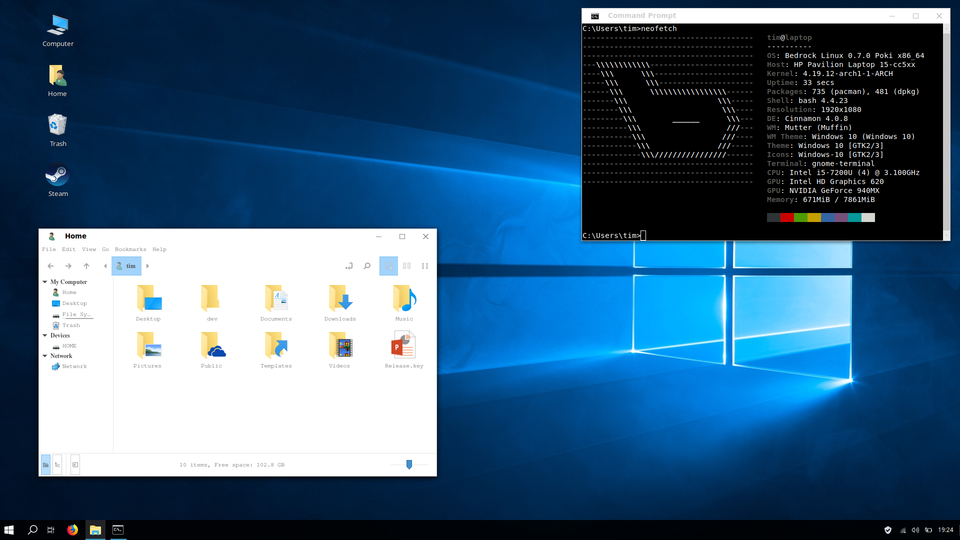
Win 10?
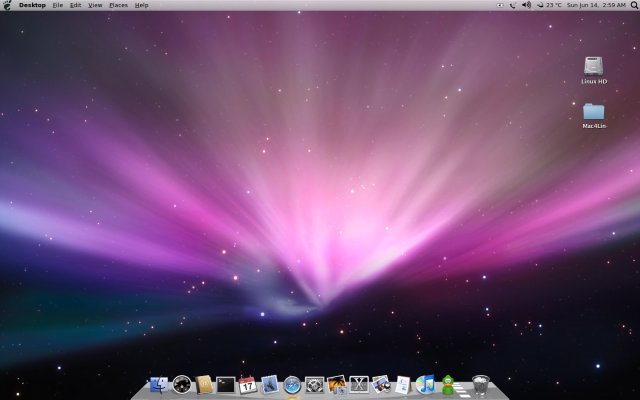
Os X?
Ventura Os X?
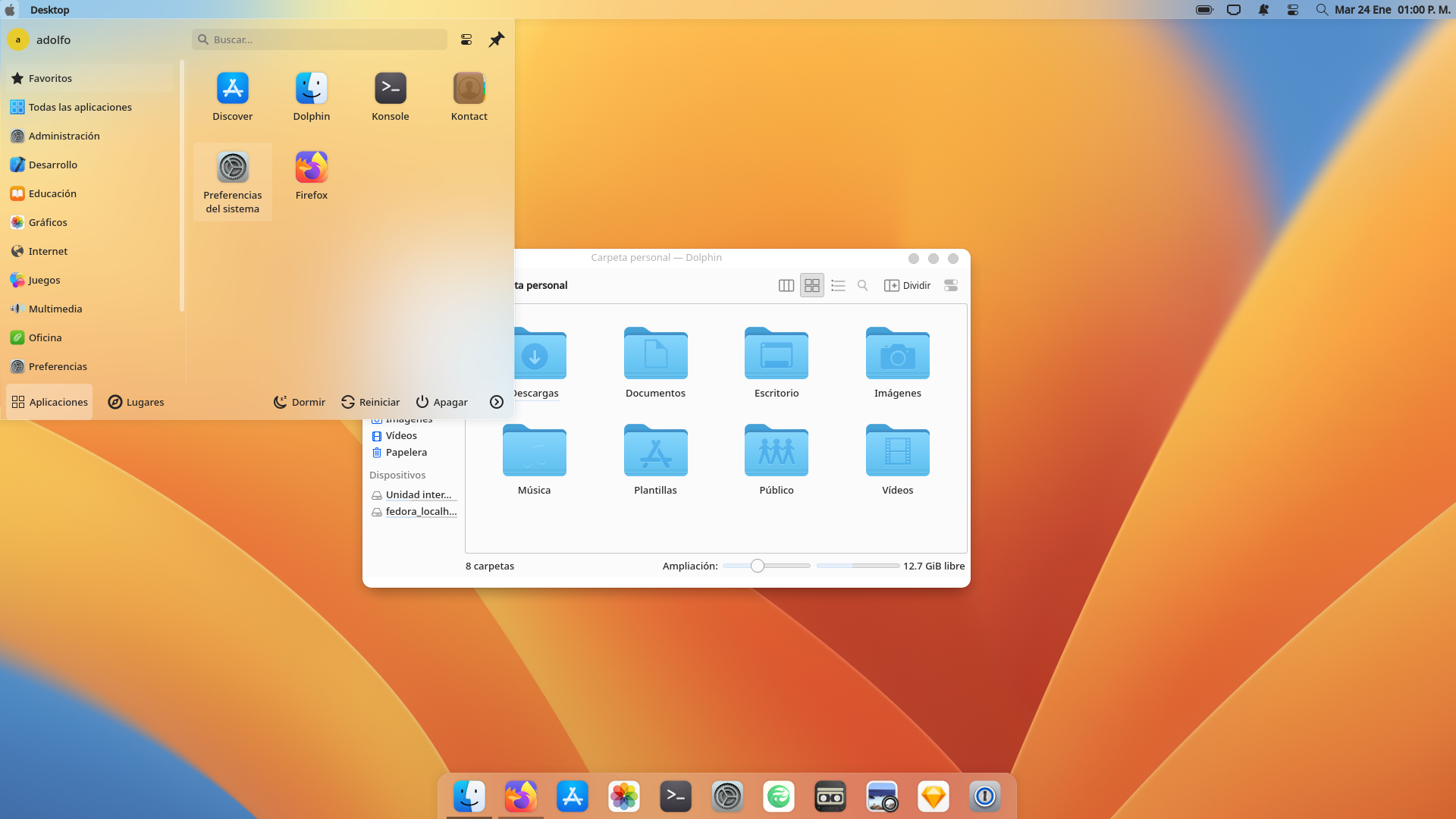
Choices Choices Choices
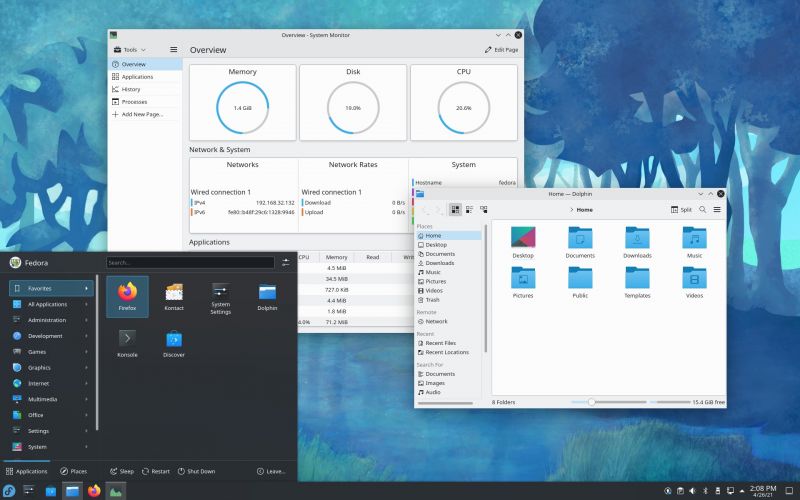
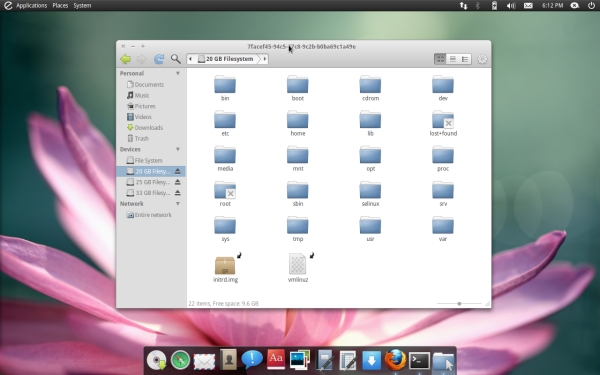
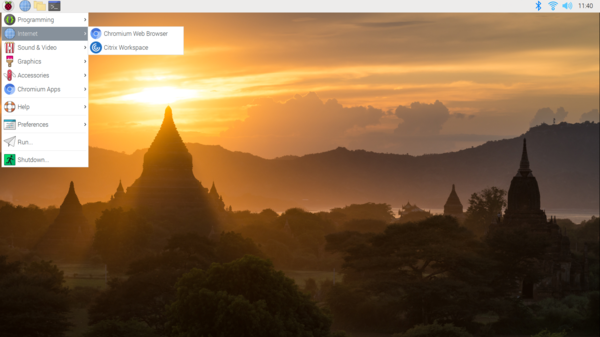
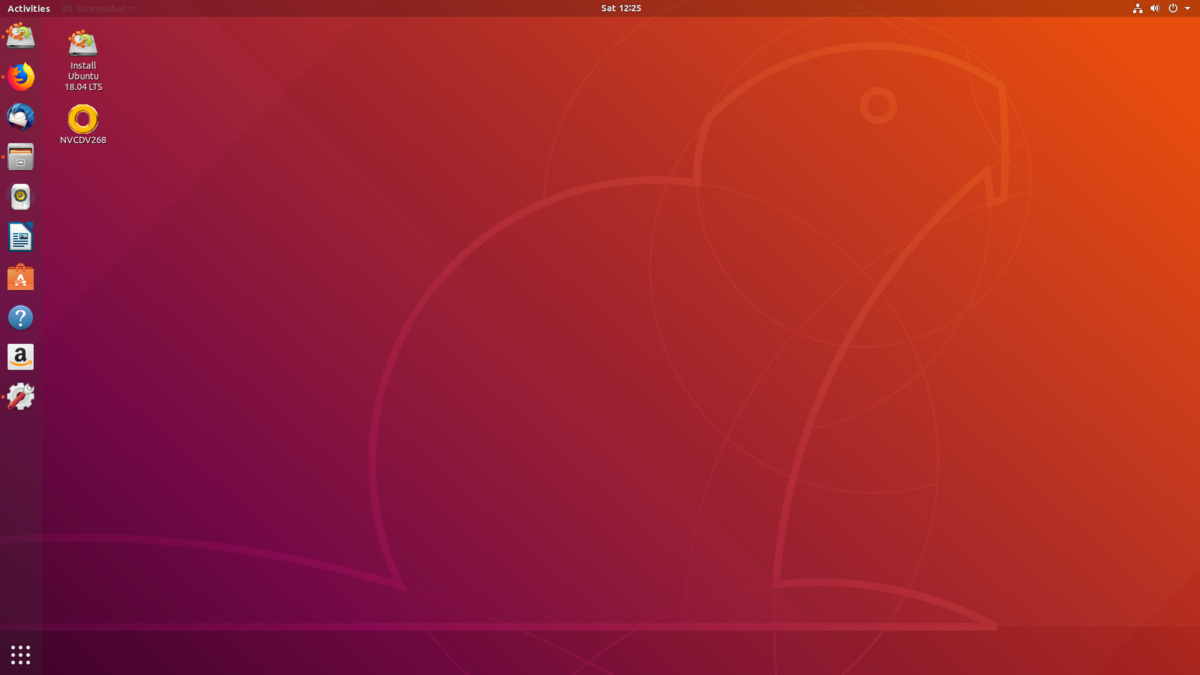
Linux has MANY Different
Window Managers
used in even more different
Desktop Environments
which probably looks a lot like "different operating systems"
old KDE
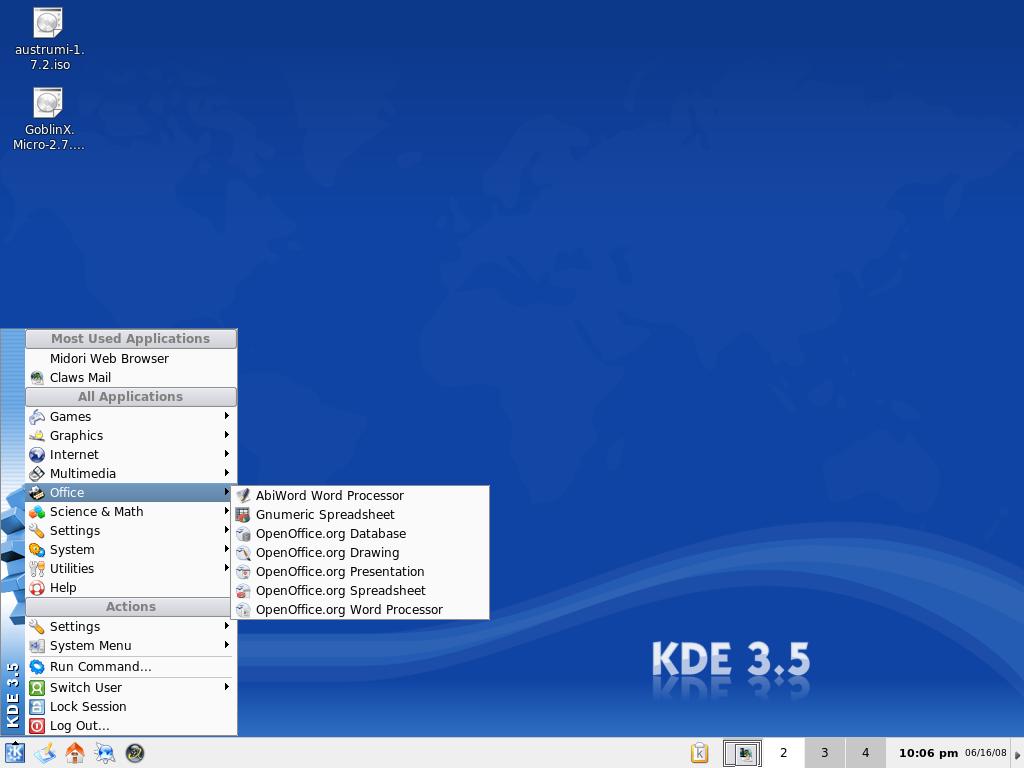
Current KDE
Elementary
Raspberry Pi OS
Ubuntu
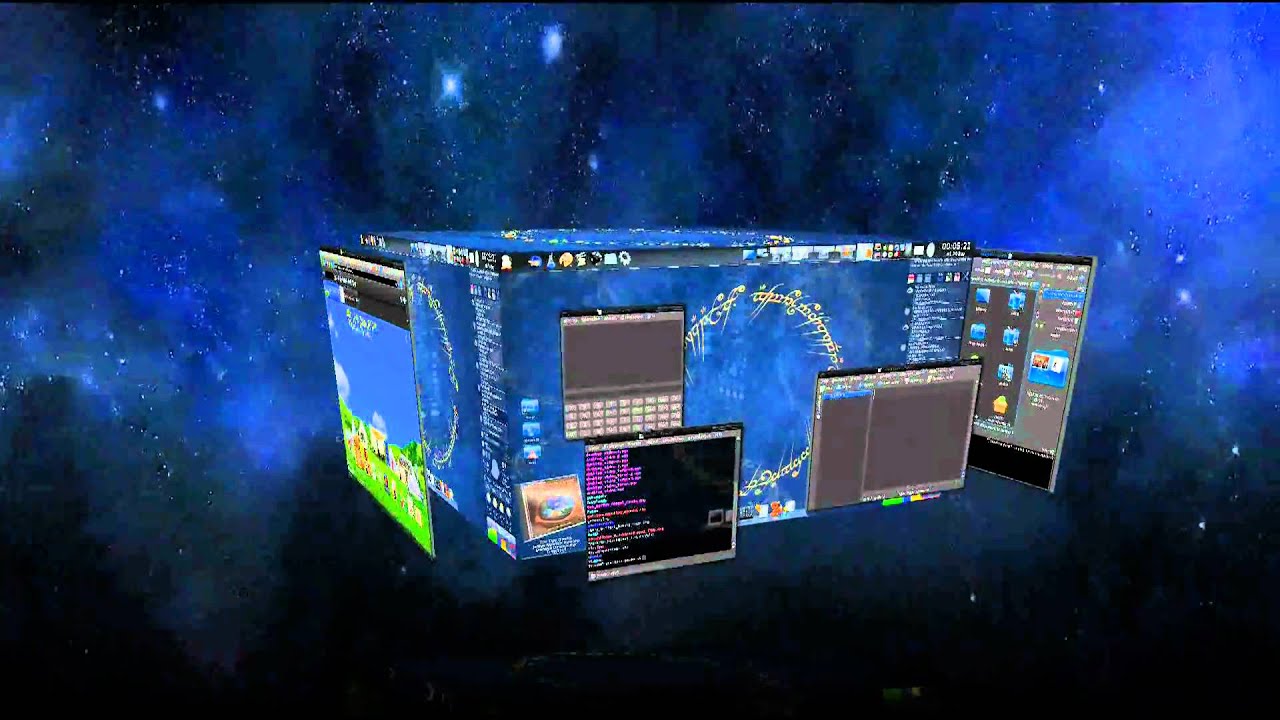
Fancy old Compiz Fanciness
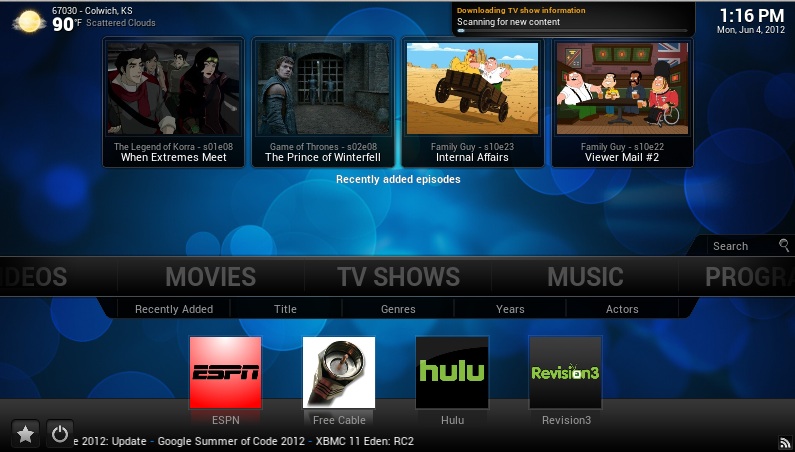
OpenElec/Kodi
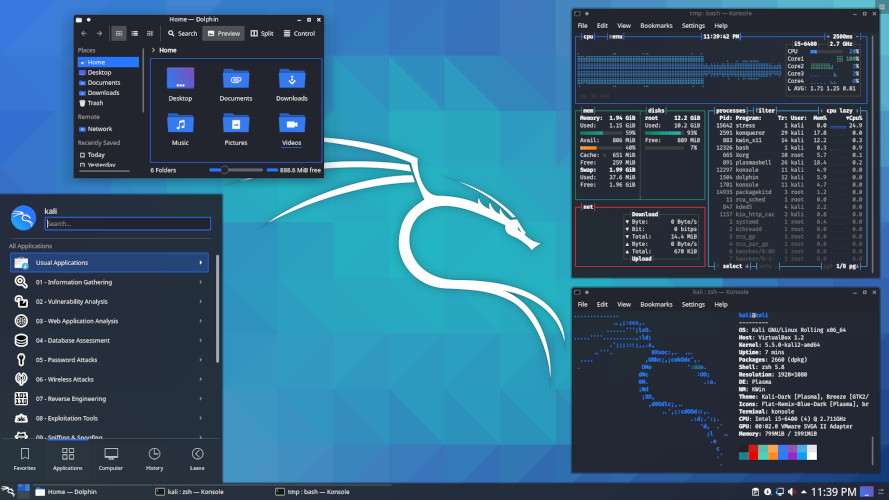
Kali Linux
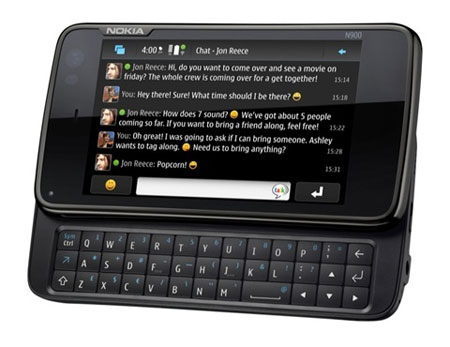
Nokia N900
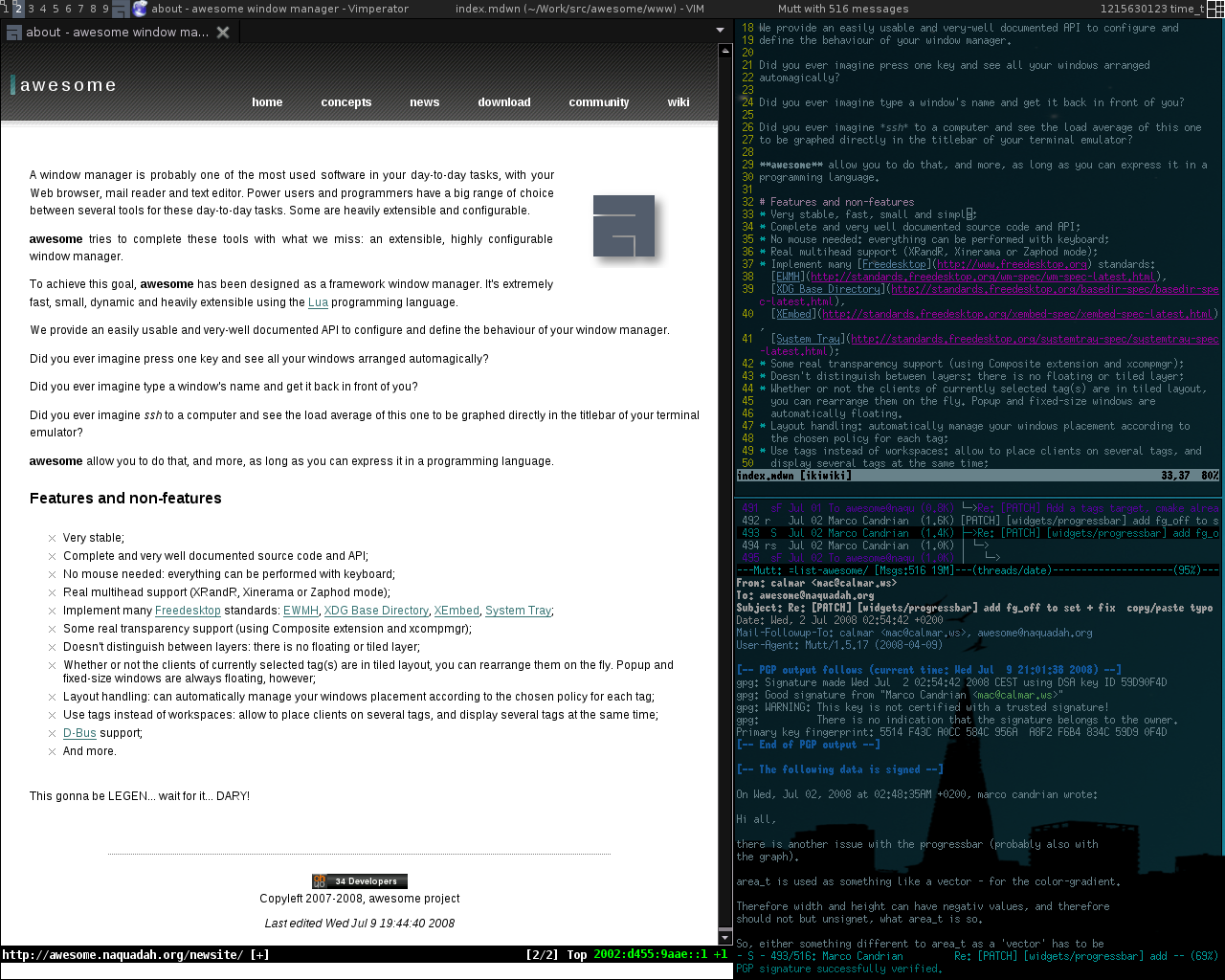
Awesome
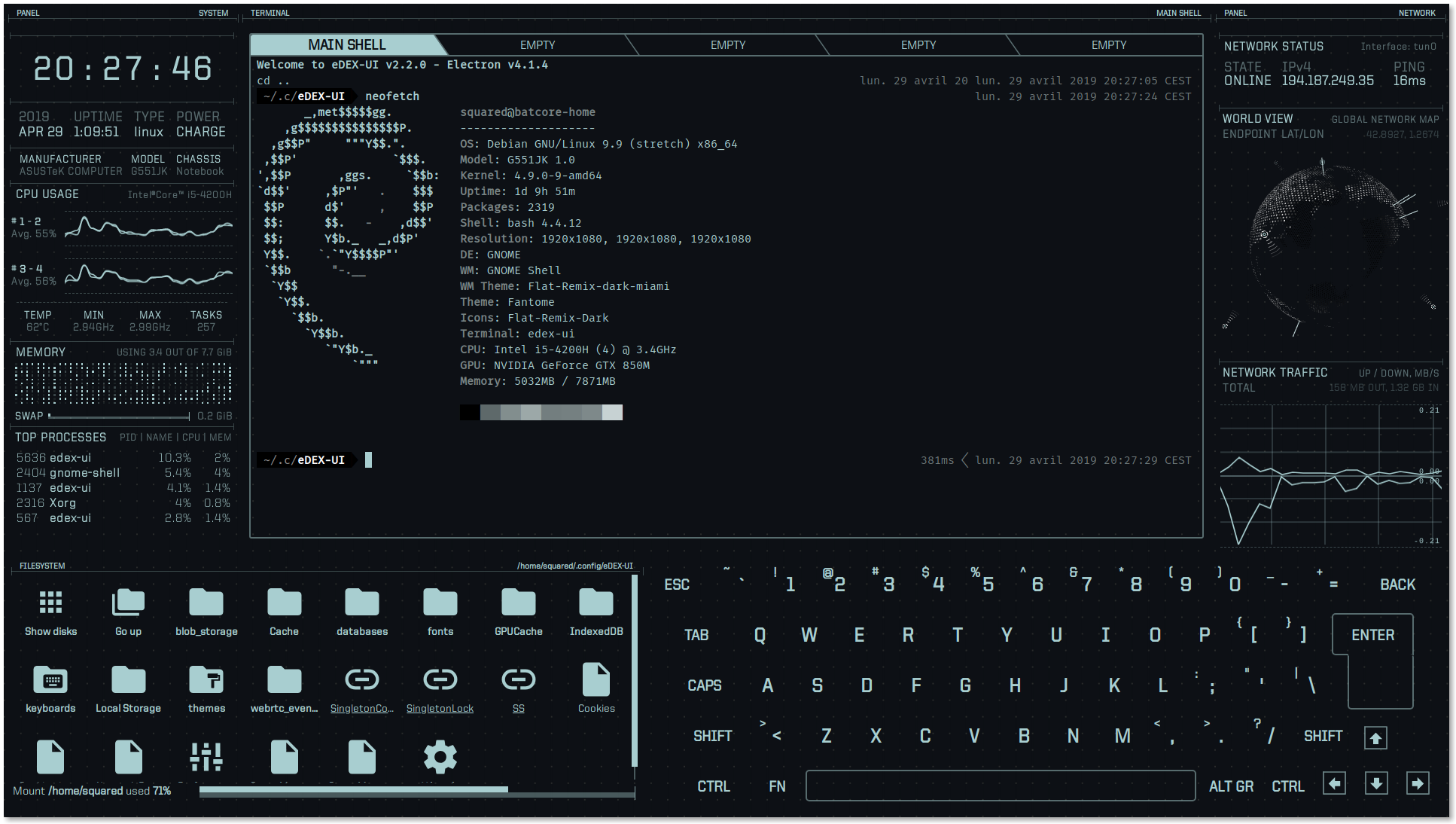
edex-UI
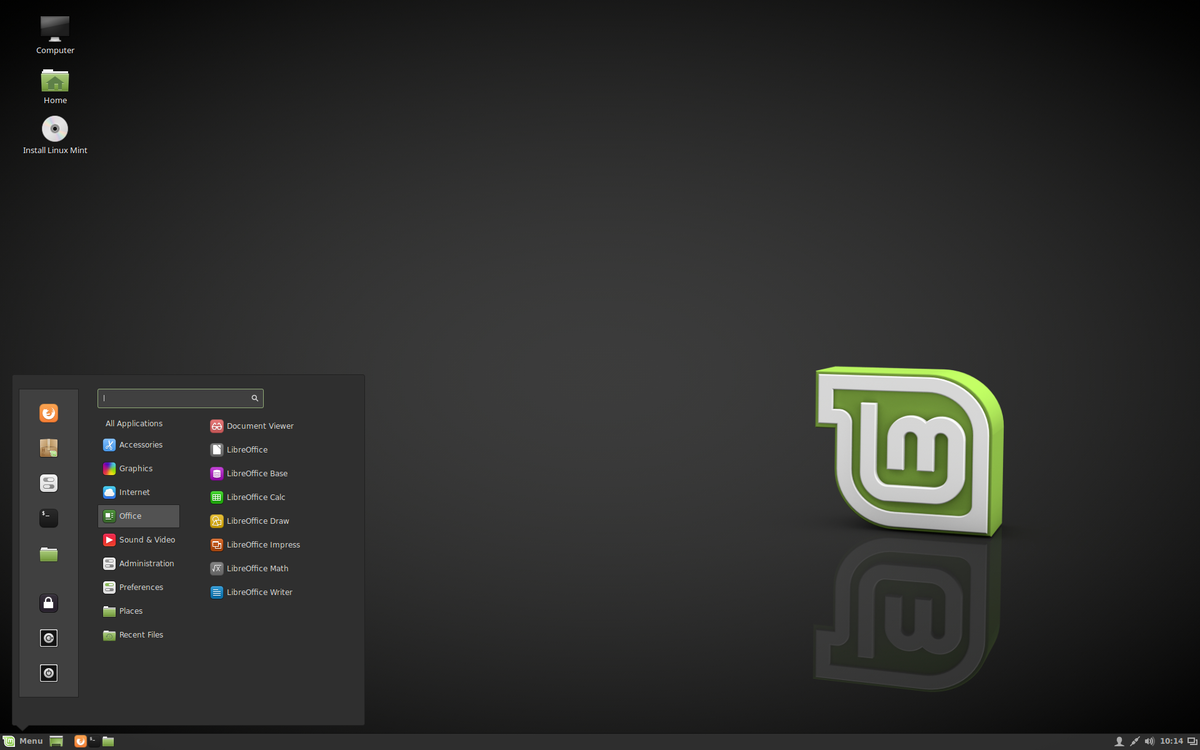
Linux Mint
MX Linux
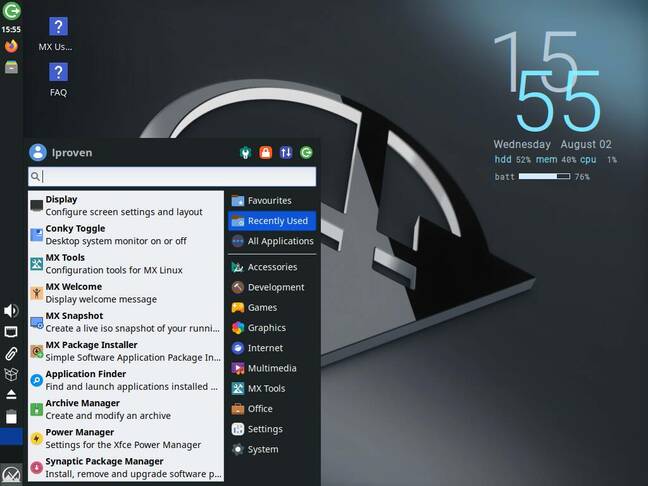
TRICKED YOU!!
lol I'm a huge nerd ☺
Modern things to know about Linux
Mostly, the word is now like Voldemort.
A million things use it and you won't much hear the word.
E.G.
Github, Docker, Ubuntu, AWS, Cloud etc etc etc
What is "programming"
(all computer languages are for humans!)
Changing your screensaver
Writer/Word
Calc/Excel
HTML/CSS
Bash
PHP/MYSQL/Javascript
C compiled
Assembly (00 4E A3 77 8C 0A etc)
What is coding, anyway?
Good question.
What is taught as coding is usually:
“IN THE BEGINNING”
e.g.
Sigh
maybe STEM was a mistake
What is coding anyway?
It's nearly always presented as...
print “Hello world”;
and/or
- for i = 1; i < 10; i = i + 1{
- print “ the count is $i”
- }
(as if you were starting from scratch)
Real Programming Languages

But perhaps we should be doing .. "scripting?"
- how to find and download little linux programs
- how they all work on the command line
- how they all talk in/with text
- how to string them together to do useful things
Try to remember..
At a point in history, this was the ONLY
way to interact with the computer
AND
The "users" were the "programmers"
NO HAND HOLDING
Also — "The Unix Way"
- Write programs that do one thing and do it well.
- Write prlsograms to work together.
- Write programs to handle text streams, because that is a universal interface.
The First Draft...
	1. Make each program do one thing well. To do a new job, build afresh rather than complicate old programs by adding new "features".
	2. **Expect the output of every program to become the input to another, as yet unknown, program.** Don't clutter output with extraneous information. Avoid stringently columnar or binary input formats. Don't insist on interactive input.
	3. Design and build software, even operating systems, to be tried early, ideally within weeks. Don't hesitate to throw away the clumsy parts and rebuild them.
	4. Use tools in preference to unskilled help to lighten a programming task, even if you have to detour to build the tools and expect to throw some of them out after you've finished using them.
Bash/Shell Scripting
OKAY, but first..
Detouring HARD to try to be useful...
History, again
HOBBY ERA
- Buy Paid Programs
- Copy "Freeware"
- (write your own, copy out of a magazine)
MICROSOFT ERA
- Buy "Office"
- Possibly Buy others
- Free/ Freedom begins to emerge,
POST-MICROSOFT, the SPLIT.
- IPHONE / cellphone
- The WEB
LINUX ERA
- "Package management" — more on that later
IPHONE ERA
WEB ERA
Just keep it on the back-end.
IN THE BEGINNING
When the USERS were also the ADMINS/DEVELOPERS
(Windows/Mac users, I'm guessing it felt like
"Buy the physical disc in a store"
or
"Download and hope for the best, as it litters your drive"
wand then just jumped to APP STORES?
Again, the problem:
(this is a completely made up example)
E.g. you install Libreoffice Calc (like Excel)
and also
A TI-graphing calculator app
Which both use a "lib-math.."
Again the problem
And now you delete one of them.
Or they use different versions.
How do you deal with this?
App Stores
Nice right? Curated, rated, clean set of apps
That get rid of themselves when you remove them
..theoretically
Us Linux snobs...
We saw app stores, and were like
Oh, you mean like "package managers using repositories"
wait...y'all gotta PAY for the apps lol
A related problem: Configurations
Windows: e.g. .ini files, or dropdown menus with "preferences"
Linux: Dotfiles, which can litter your home drive
Linux
Was *terrible* at first:
COMPILE THE PROGRAM YOURSELF.
Installing Stuff Notes
The power of scripting frequently lies in using other programs.
The value of coding from scratch
Has diminished RAPIDLY, moreso because of AI
Why write anything twice?
Why I harp on Bash
It is
(or maybe WAS)
the most versatile/powerful way
to use OTHER PEOPLES code
So you want to grab some code and use it?
After all, what's the difference between
PROGRAMMING and USING?
OLD REALITY
APPS/PROGRAMS (what you made from below )
LANGUAGES (C, JAVA, JAVASCRIPT, PYTHON)
OS - LINUX (use COMMANDLINE/BASH)
COMPUTER (REAL/DISTRO/VIRTUAL)
NEXT REALITY
WEB BROWSER
APPS/PROGRAMS (what you made from below )
LANGUAGES (C, JAVA, JAVASCRIPT, PYTHON)
OS - LINUX (use COMMANDLINE/BASH)
COMPUTER (REAL/DISTRO/VIRTUAL)
TODAY, ANOTHER POSSIBILITY
WEB BROWSER IS THE "OS"
APPS/PROGRAMS (what you made from below )
LANGUAGES (C, JAVA, JAVASCRIPT, PYTHON)
OS - LINUX (use COMMANDLINE/BASH)
COMPUTER (REAL/DISTRO/VIRTUAL)
Virtualization
FAKE A WHOLE COMPUTER
INSIDE ANOTHER COMPUTER
Distributions
Usually ISOs
We've been dealing with general, but
Specialized Distributions
Very common and useful these days
Especially with Raspberry Pis
(We'll come back later, but Docker, and LXC can do these in "Containers"
LANGUAGES
Examples of classic languages
C
Rust
Go
- Low level, Compiled, Native
Examples
Java
Python
(Midrange, Python's honestly probably the best all around, let the fights begin)
Examples
Bash and other SCRIPTING LANGUAGES
Very powerful, and weirdly often not considered
"languages"
Examples
What about MySQL, et al?
Declarative, and not specialized
(why do I hate workbench? :))
ADMIN
A lot of the times, the above will work.
But, you're tinkering, so you may need to dig deeper.
THE WEB as platform
Frontend - HTML/CSS for visuals, Javascript for interactivity
Backend - PHP or Node or Python or Java
(Data - SQL)
the holy mess that is the web.
Here goes: This ONLY makes sense if you remember that the
web grew and accreted on itself, and encouraged to do so
primarily by "market forces"...
as opposed to "designed."
Text
Plain ol' text. BBS and the like
HTML
"Lets make this look better than the Matrix, SEMANTICALLY"
CSS
"Still kind of ugly, now let's go VISUAL"
JAVASCRIPT
The 800lb gorilla.
Once again, why this mediocre language?
Because
- Bandwidth isn't infinite
- People want interactivity
- Ergo, MUCH must be offloaded to the users machine.
(in an infinite bandwidth world, I imagine this would look different)
But why THIS language?
First to market. That's pretty much it.
But why THIS language?
"Because we need interactivity on the web right now, and anything’s better than Flash."
Brendan Eich, Creator of Javascript...
“I was writing something that could be used by people who didn’t know what a compiler was.
They were just going to load it.
“It was like Basic. That was really the pitch….”
“I was under marketing orders to make it look like Java but not make it too big for its britches.
It’s just this sort of silly little brother language, right? The sidekick to Java.”
Umm we spend a lot of time here on (my)SQL
yeah, I know. it's a little weird.
deal with it
TODAY WHATS THE DEAL:
Making Standalone Apps?
C, the C's, Java's and sometimes Pythons
TODAY WHATS THE DEAL:
Backend Web
Java, Python, PHP, Server-side Javascript
TODAY WHATS THE DEAL:
Frontend Web
HTML / CSS / Javascript
TODAY WHATS THE DEAL:
Cutting Edge AI stuff?
Web + lots of Python
CONTAINERS
Enter Docker.
Amazingly good idea that mostly works.
CONTAINERS CAN SORT OF DO ALL OF THE BELOW
WEB BROWSER
APPS/PROGRAMS (what you made from below )
LANGUAGES (C, JAVA, JAVASCRIPT, PYTHON)
OS - LINUX (use COMMANDLINE/BASH)
COMPUTER (REAL/DISTRO/VIRTUAL)
Docker
Put things in "Containers."
Not as heavy as entire VMs
But walled off from everything.
Why not just apps like the end users?
END USERS usually don't need "special configs"
or "opening things to the internet"
Docker
Very cool thing about docker is PORTABILITY.
Their metaphor is "everything in shipping containers"
Docker
Also, it's own ecosystem. Frequently you can be like "install directly"
or "use a docker container"
The latter usually makes complicated above stuff into
"docker run hello-world"
(with some more flags to point to folders and ports for the net.
Too good to be true?
Kind of.
The Good: "Docker" uses a completely open standard.
Meaning, other programs can step in and replace it (e.g. podman)
Kind of like eg. Word and Libreoffice or Google Docs
Kind of Like Linux itself
The presence of these others probably keeps Docker pretty good.
The great: Docker Compose
What if you have not a simple "hello-world"
but
docker run -p 80:80 -v /var/run/docker.sock:/tmp/docker.sock:ro
--restart always --log-opt max-size=1g nginx
Just put it in a file
name: <your project name>
services:
	nginx:
		ports:
			- 80:80
		volumes:
			- /var/run/docker.sock:/tmp/docker.sock:ro
		restart: always
		logging:
			options:
				max-size: 1g
		image: nginx
The ugly - Docker Desktop
Probably useful for some, but big bloated thing
that Docker's trying to use to make things "too easy"
I'm reminded EXACTLY of
The difference between
Command Line MySQL
and
Mysql-Workbench
(might work for y'all but meh)
Shell Scripting - Command line
That default thing that comes up on all the unixy-linuxy systems everywhere.
It’s a text interface. You type commands into it and the computer responds.
And it’s also a "programming" language. As in, you can type in more than one command in a row, save it to a file, and run the file. So, you know, "programming."
Names of things
- Command line: Blinky cursor area that's literally asking you, “okay, now what?”
- REPL - Read, Evaluate, Print, Loop. "Programmy" name for the above, you can do this in some "real" languages too, e.g. Python.
- Terminal: App for command line (used to be the computer itself)
- Shell: Any particular “type” of command-line environment. Examples are Bash, Fish, Zsh, MS-Dos, etc.
- Bash: “Bourne Again Shell; the specific Linux/Unix shell we will use. (others are zsh, fish, powershell in windows)yy
- Scripting: Putting a bunch of shell commands in a file and running it as a program.
Fundamental ideas:
(ignore basic programming ideas like "objects" for now)
- EVERYTHING in the machine is a FILE or FOLDER.
- FILES are made of "TEXT" or "BINARY" * (or some combo-thing)
- SCRIPTING is using TEXT LANGUAGE to do things.
One way to divide ALL FILES
TEXT and BINARY. That's all, really.
(open it in a text program like gedit or leafpad or notepad. Can you kind of read any of it?)
NOTE: Remember, frequently you can convert one to the other, e.g. ZIPs
TEXT, .e.g.
Text
HTML
XML
.ini
BINARY, e.g.
Executables (bin, exe)
ZIP
ISO
jpg
MP3
MP4
More on "Text"ui
- The "lingua franca" of computers - you dig deep enough, this is where you get.
- formerly ASCII, now mostly "Unicode" (EMOJI!!)
- Most often "monospaced" (ugly, but with advantages)
- Where (sane) languages live
A Basic Linuxy Filesystem
- /bin, /sbin – Systemwide binaries
- /boot – Boot Stuff
- /dev - devices
- /etc – (Some) helper files
- /home/user – YOUR files & config (you can just back this up)
- /mnt, /media – generic “mount points”
- /proc – the actual running processes whooa
- /usr – User stuff (mostly binaries)
- /tmp – temp files
- /var – other spooling data, logs
Shell Scripting - Command line
That default thing that comes up on all the unixy-linuxy systems everywhere.
It’s a text interface. You type commands into it and the computer responds.
And it’s also a "programming" language. As in, you can type in more than one command in a row, save it to a file, and run the file. So, you know, "programming."
Names of things
- Command line: Blinky cursor area that's literally asking you, “okay, now what?”
- REPL - Read, Evaluate, Print, Loop. "Programmy" name for the above, you can do this in some "real" languages too, e.g. Python.
- Terminal: App for command line (used to be the computer itself)
- Shell: Any particular “type” of command-line environment. Examples are Bash, Fish, Zsh, MS-Dos, etc.
- Bash: “Bourne Again Shell; the specific Linux/Unix shell we will use. (others are zsh, fish, powershell in windows)
- Scripting: Putting a bunch of shell commands in a file and running it as a program.
Fundamental ideas:
(ignore basic programming ideas like "objects" for now)
- EVERYTHING in the machine is a FILE or FOLDER.
- FILES are made of "TEXT" or "BINARY" * (or some combo-thing)
- SCRIPTING is using TEXT LANGUAGE to do things.
Again
SCRIPTING is as much about
Using programs that ALREADY EXIST TOGETHER
as it is
Making new programs.
("Libraries" on steroids?)
Users and Permissions..
..actually mean something today
ROOT – Like “Administrator” or maybe “God”
users – humans
(..and others – fake “users” to get tasks done)
Some systems (eg Ubuntu) allow for Super Users
S.U.- do “this” = sudo
CLASSIC
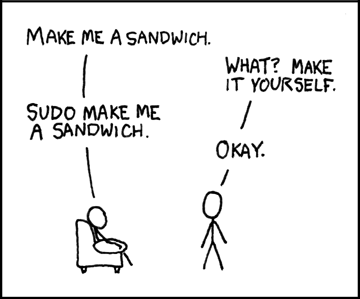
Also, from here forward
AI is your friend.
Can probably walk you through all this way better than I can.
but hey...
Permissions
Three major things you can do with files
- READ (look at, view, listen to)
- WRITE (and delete and edit)
- EXECUTE (run as a program)
Three important “groups”
- owner of the file
- owner's group
- everybody else
Permissions for Directories
..are weird
- READ: Is able to read the directory listing
- WRITE: Is able to change contents of the directory
(create new/delete existing files, or rename them)
- EXECUTE: Is able to access/ go to the director
Practical Permission Problems
- If you're unable to view, execute, or delete/change a file, try this.
- If you write a little shell script (.sh), remember to set it executable. (The only permission command I use on a regular basis is chmod +x “file.sh”
- FAT and NTFS filesystems (the ones Windows use) don't have permissions, but Linux has to occasionally pretend they do, this causes problems.
- When you're taking a website online, this is often a difficult issue. (For a good reason; you don't want website visitors overwriting your critical files!)
A Basic Linuxy Filesystem
- /bin, /sbin – Systemwide binaries
- /boot – Boot Stuff
- /dev - devices
- /etc – (Some) helper files
- /home/user – YOUR files & config (you can just back this up)
- /mnt, /media – generic “mount points”
- /proc – the actual running processes whooa
- /usr – User stuff (mostly binaries)
- /tmp – temp files
- /var – other spooling data, logs
Commands in theory
Any IMPERATIVE action the computer can do. Can be one word or more.
Ultimately, will be an ORDER, usually expressible as a VERB
Are VERY closely related to (if not identical) to FUNCTIONS/METHODS
"Computer! Do THIS!"
ls
Commands in theory
Since we're in the command line we are always acting on:
FILES and/or TEXT. These will be input and/or output.
if commands are VERBS, the FILES and TEXT are the nouns/objects
We call these expressions
(and of course, the TEXT can lead you to something else, like a FOLDER)
cat file.txt
echo "Hi there"
ls "/home/mine"
Nearly every command can act on either TEXT or FILES or BOTH.
Commands in Theory
We've talked VERBS and NOUNS. But we might want to modify the operation of things;
Think ADVERBS and/or ADJECTIVES:
On the command line, these are called options
two dashes + words (sort --reverse)
Getting Help
- man (command)
- info (might give you more info)
- apropos (keyword to search)
- help (pretty basic stuff)
but seriously, Google/Duckduckgo etc
More
Check out your distro's "Software Center"
and/or
"Package Manager"
File Manipulation
- ls - list
- cd – change directory
- rm –remove (delete for good)
- mv – move OR rename (they are literally the same thing, weird)
- cp - copy
Viewing Text and Files
cat - "Good" example of "efficiency" at the expense of "redundancy"
i.e. it means "concatenate" — which is to squish two files together and print to the screen. But it can also do it with just one file.
less - this is such a terribly bad joke I hate even explaning it
Let's slow down here,
because here is the power:
One way to describe cat - It "shows you the file"
BUT, let's be VERY precise here:
Cat TAKES A LINE OF TEXT (that refers to a file)..
and PRINTS IT ON THE SCREEN
TAKES A LINE OF TEXT = "Standard Input or stdin"
PRINTS IT ON THE SCREEN "Standard Output or stdout"
Pipes and Redirects
Default is to read from stdin, and write to stdout.
But by changing the default NOW YOU'RE PLAYING WITH POWER
- > (over)write/replace a file
- >> write to/append to file
- < read from file
- | pipe output from first command into 2nd
- tee pipe AND write to stdout
(interesting then , cat goes from FILE to TEXT, and > goes from TEXT to FILE )
BIG OVERARCHING POINT..
THAT'S MY OPINION
If it works and its clearer to you, don't let the supernerds tell you it's a bad idea e.g.
"Useless use of cat" IS FINE
BASH
BASH (Bourne Again) Shell - others are fish and zsh, etc
Lots of “tricks” are available here, eg
- Tab completion
- Up arrow key for history
- Ctrl-R to search history
and many MANY more...
BASH
Furthermore, you can modify this environment to fit your needs, via:
.bashrc
(stuff here will be run everytime you open a terminal)
A great example is the “alias” command. If a command doesn't exist for what you want to do, just ,ake up your own!
alias modbash='nano ~/.bashrc'
Newer Shells
You may see some like
"zsh" or "Zshell"
or Fish
or Oilshell
Roughly, they're a bit nicer to use, but are not "backwards compatible"
which may not matter. Feel free to try them out!
(later on, be careful when NOT using them interactively/as a REPL)
Viewing Files
IN TERMINAL
- less
- cat (stdout)
ALSO
- head and tail
Opening Files
COMMAND/ARGUMENT STYLE
- xdg-open file
- vim textfile
- firefox localfile.html
- firefox http://slashdot.org
Keeping it simple at first:
SORT
sorting text
- -i = case INSENSITIVE
- -r = REVERSE
- -g = numbers
- -R = random
GREP
searching text for matches
grep OPTIONS PATTERN (FILE)
Can search over FILES or STDIN
Also, can search ONE FILE or MANY (check -d or -R)
useful flags:
-i (case insensitive)
-v (invert search/show NON-matches)
-l (just show matching FILES, not lines)
(see also "ripgrep" or rg)
Classic Bash Commands
- sed
- awk
- find
- locate
Some nicer ones
head
and
tail
for getting only part of a file, by lines
tr
"Transliterate"
Easier way to do SINGLE CHARACTER deletions or transforms
(but can act on "groups," like "A-Z"
cut
Nice way to cut up lines. Just specify the "delimiter"
(the character you'll divide on)
and "which field" by number
echo "first:second:third" | cut -d ':' -f2
yields second
CLI vs GUI
Command Line Interface
vs.
Graphical User Interface
(but, why not both)
CLI, but GUIish
(hardcore nerds may distinguish and call these TUIs)
- Nano
- Midnight Commander
"ncurses"
From CLI to GUI
firefox http://jrm4.com
or
firefox /home/myuser/html/testindex.html
(NOTE, closing the terminal may also close the program)